2026-09-04 · driven on RFCY322W52W (SM-A366U) · the signed release build, v0.9.0 (2)
45actions driven
36completed
0confirmed defects
0crashes
68screenshots
What this is, and what it is not. Every action below was driven on the handset
against the release-signed APK — the artifact a user would actually install — and every screen
was captured. It is a manual journey sweep, not the full instrumented suite: the repo already
has 407 instrumented UI tests across 77 files, and running them needs the debug APK, which
cannot overwrite the installed release build without uninstalling it and losing the review account's
session. That decision is Matt's, and it is the single biggest gap in this pass.
Reading the tiles.PASS = the action landed and the screen advanced. NO-OP = the driver could not resolve
the control by name, usually an icon-only button or one scrolled out of view. Every NO-OP here was a
harness miss, not an app failure — none of them is a defect, and saying otherwise would inflate
the result.
Retracted finding
WITHDRAWN
WITHDRAWN — "empty store group is inert and unremovable"
This finding was wrong and is retracted. I reported an empty store group as a permanent, undeletable dead row. It is not permanent: force-stopping and relaunching the app removes it entirely. An empty group is a client-side draft (draftStores in ShoppingList.kt, unioned in so a just-created group renders before its first row) and it is never persisted, because a group with no items has nothing to store.
Verified after the claim: created the group, force-stopped ai.trepo.android, relaunched, reopened LIST — Functest Aisle was gone. The header composable also always draws its chevron, count and add button whenever it renders, so a group going through StoreSectionHeader could never have lacked them — which is the tell I should have followed before reporting.
How it was found · I claimed it because I could not delete the group within my session and did not test a restart. Not testing the obvious recovery path before calling something permanent is the error.
Relationship to known work · What is actually left is much weaker and cosmetic: for the life of one session an empty draft group shows as a bare label with no controls and cannot be dismissed, and it then vanishes silently on next launch — which could confuse someone who thinks they created a group. Worth a look; not a ship blocker, and not what I first said it was.
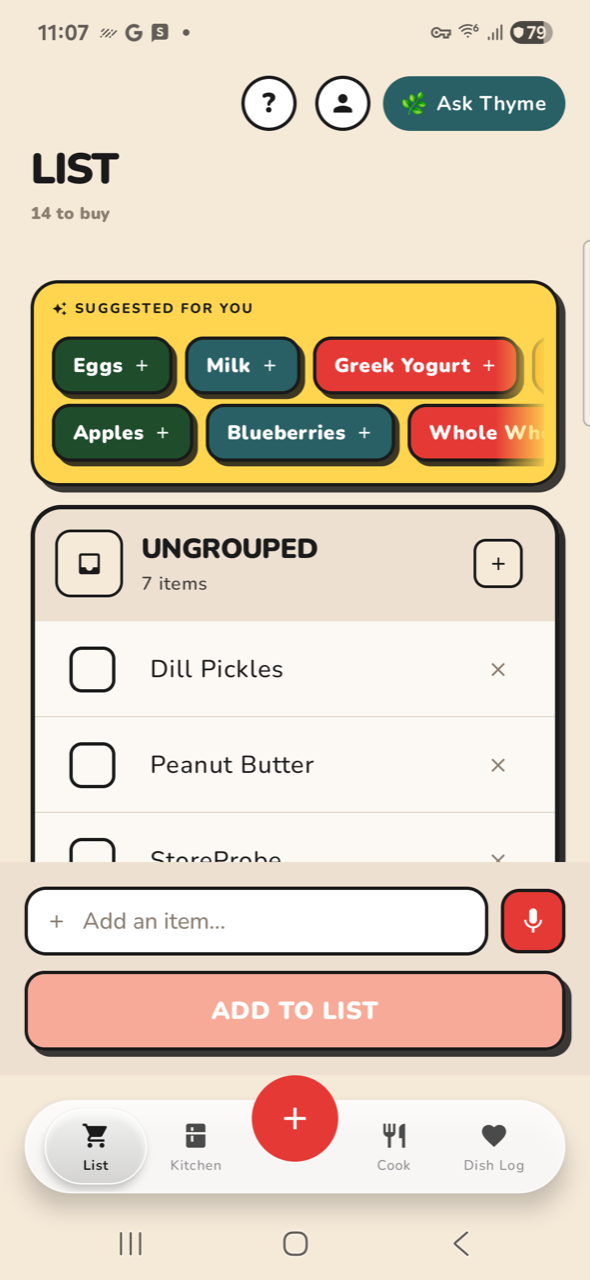
The empty group, top of list. Nothing to tap.
Observations
Test data is in the real account
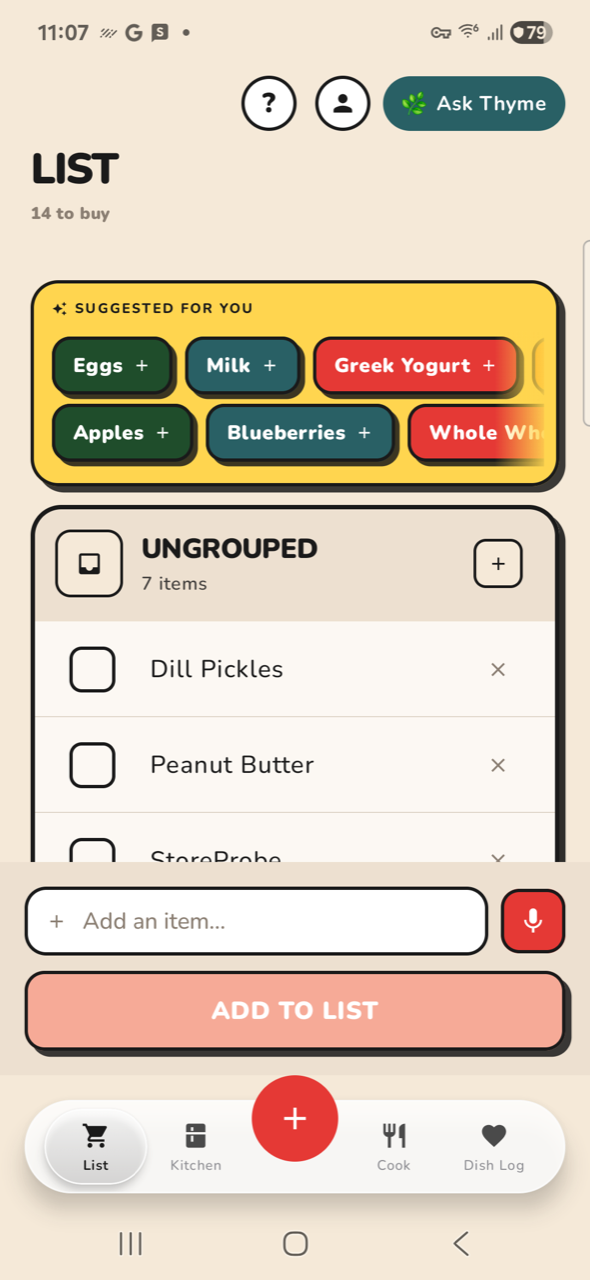
The live kitchen and list carry loop probe artifacts: Zprobe · Fridge on Carrots and Kale, plus Probe1, ProbeAA and StoreProbe rows. Harmless to the app, but it means the review account no longer reflects a real user's data — and anything measured off it inherits that.
Pre-fix shopping rows are still verbose
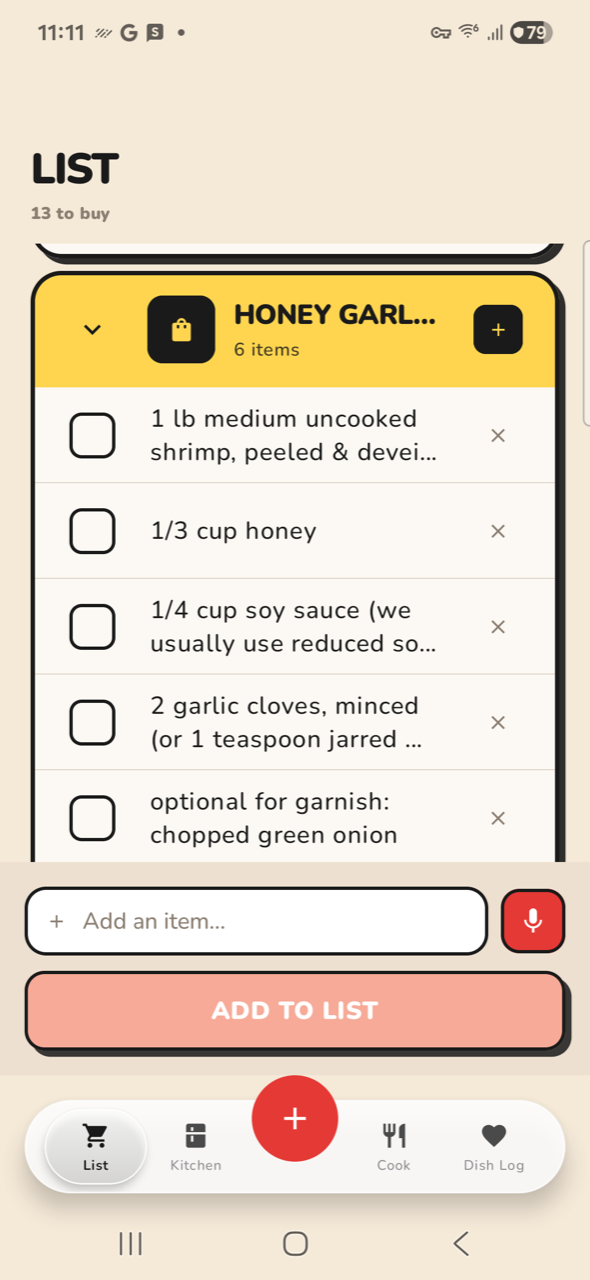
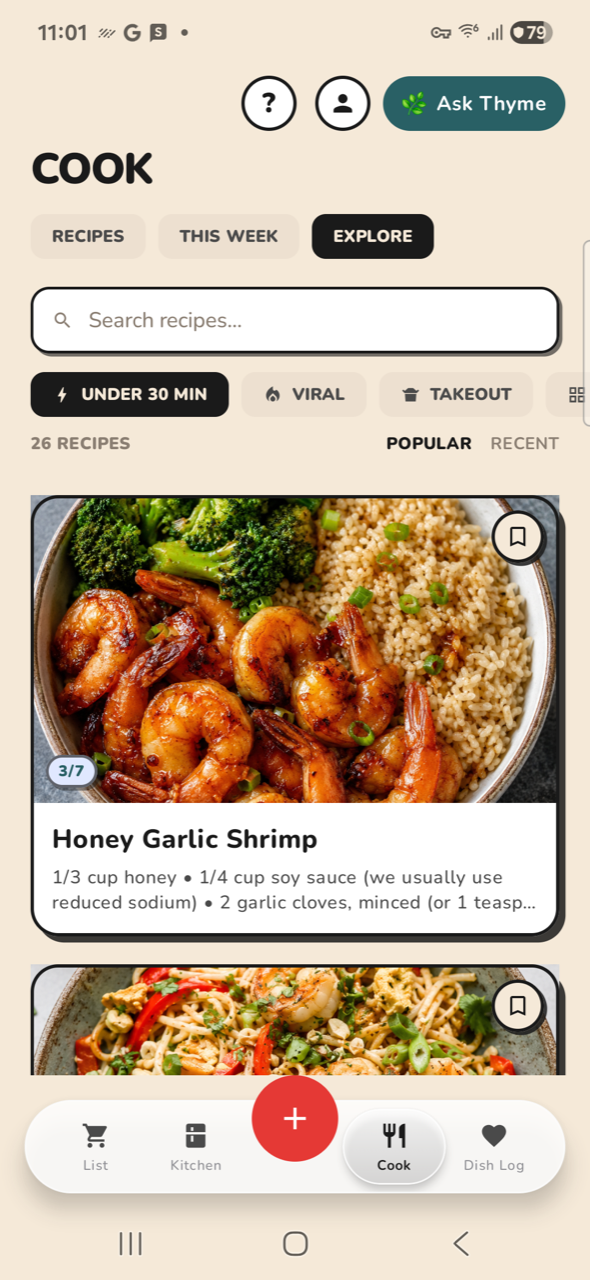
The HONEY GARLIC SHRIMP group holds rows like 1 lb medium uncooked shrimp, peeled & deveined and 1/3 cup honey. Expected: the ingredient-name extractor shipped 2026-09-03 only affects rows written after it. These predate it. Not a regression.
Back from a root tab exits the app
Pressing back on DISH LOG leaves the app to the launcher rather than returning to a previous tab. Standard Android behaviour for a root destination, recorded because it cost this sweep several steps.
Every action, in order
Chrome & List 7 steps
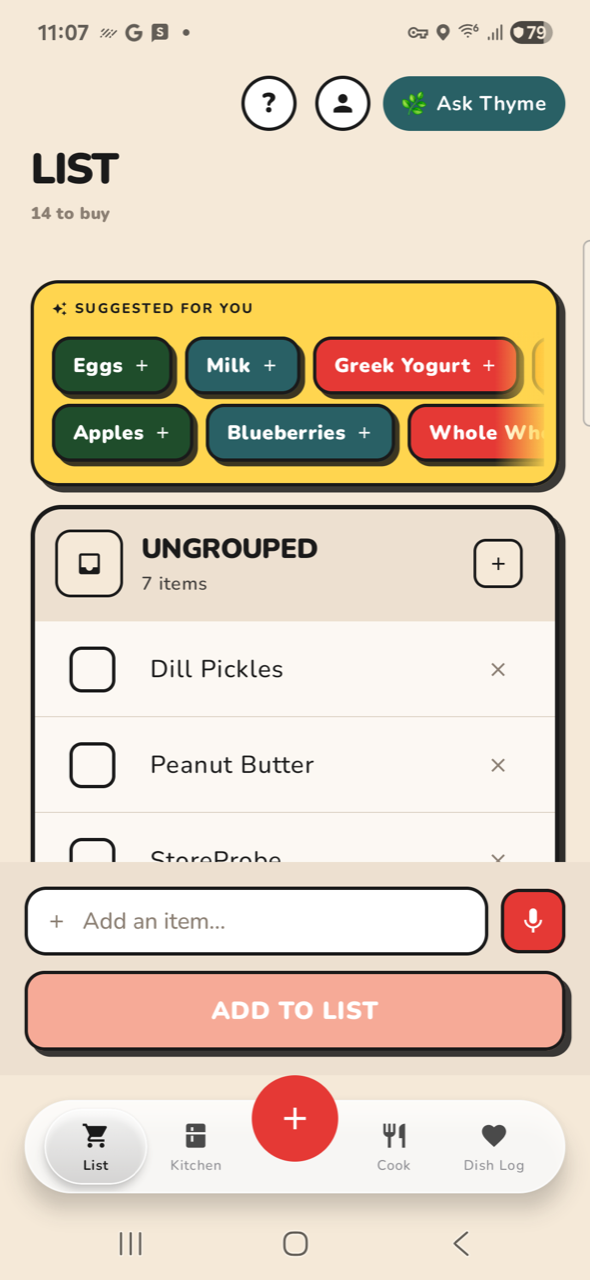
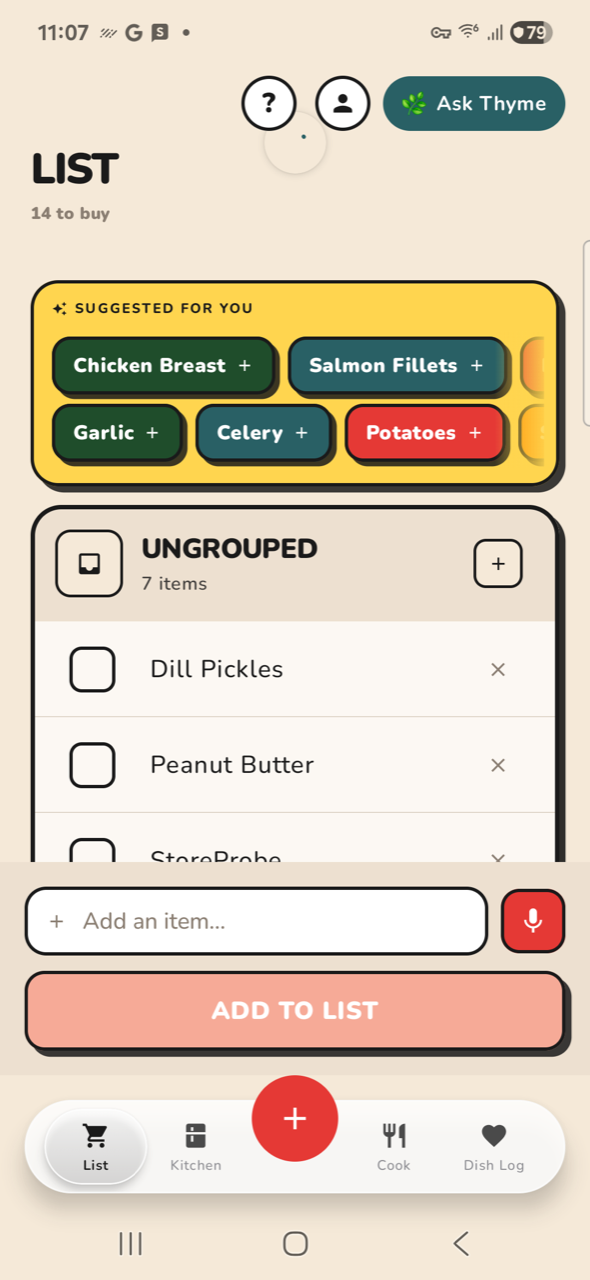
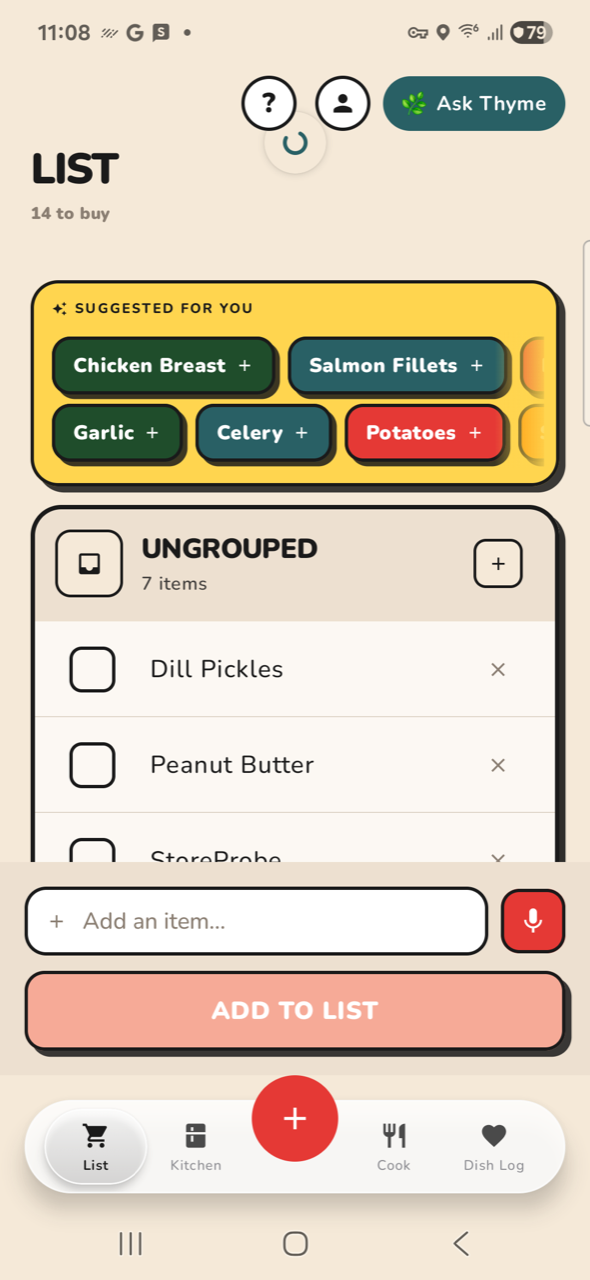
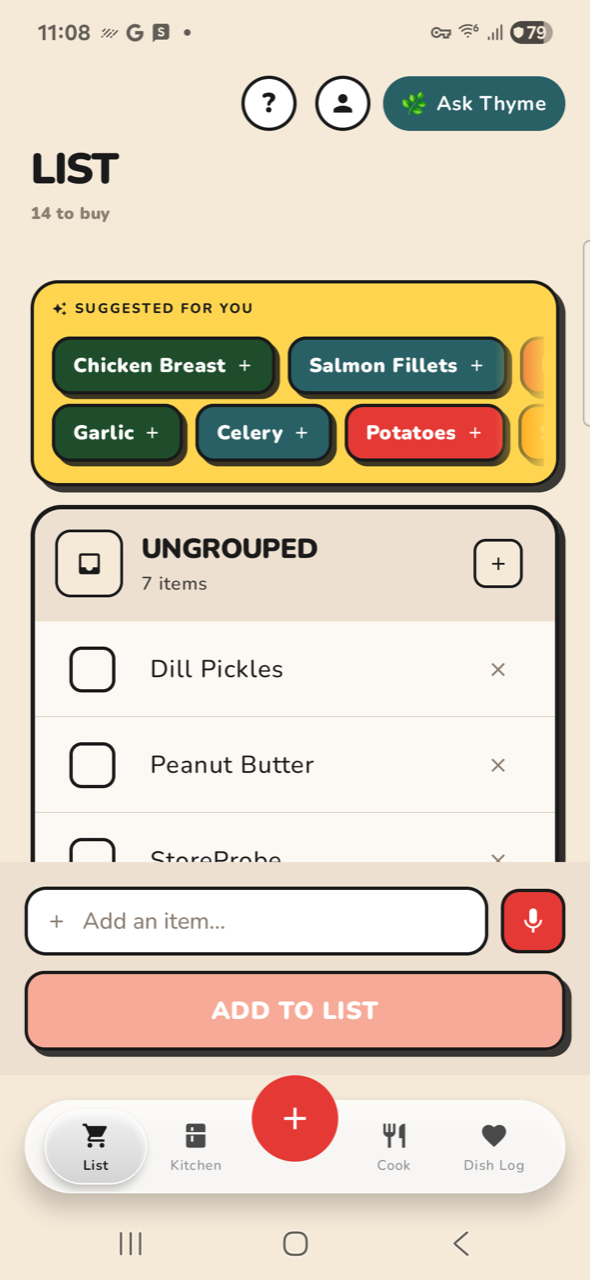
NO-OPX01-help CHROME: open Help sheet label 'Help' not on screenNO-OPX02-helpout CHROME: dismiss Help label 'Close' not on screenPASSX03-prof CHROME: open ProfilePASSX04-profout CHROME: dismiss ProfilePASSX05-pull LIST: pull to refreshNO-OPX06-newgrp LIST: tap Add New Group label 'Add New Group' not on screenNO-OPX07-grpout LIST: cancel group dialog label 'Cancel' not on screen
Cook 10 steps
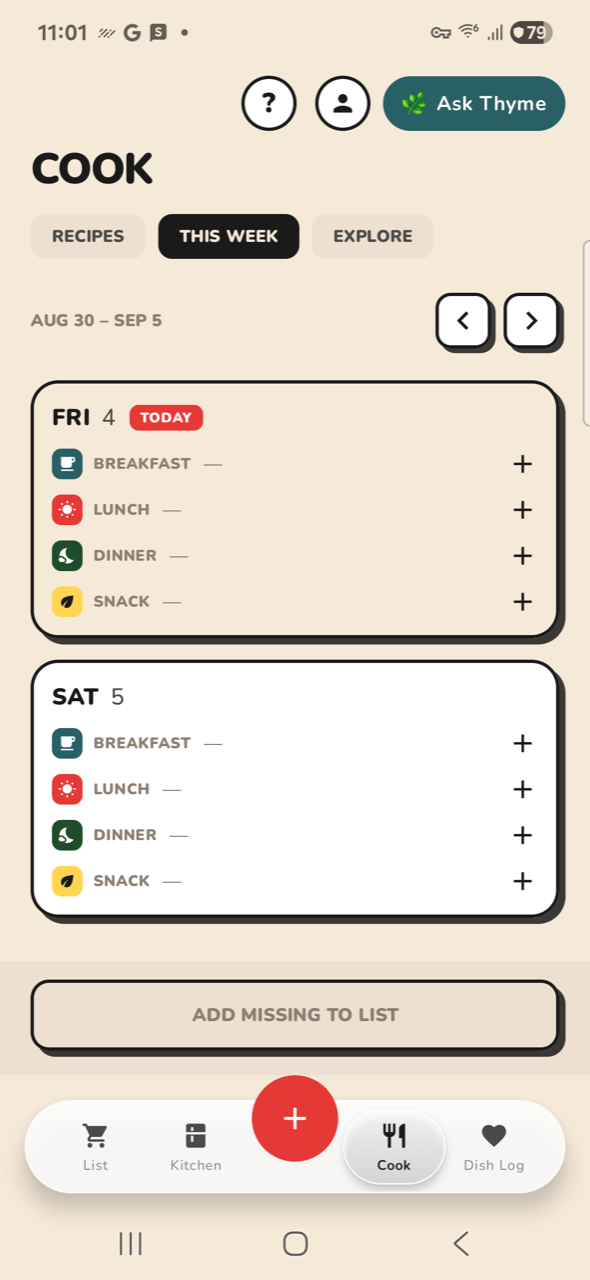
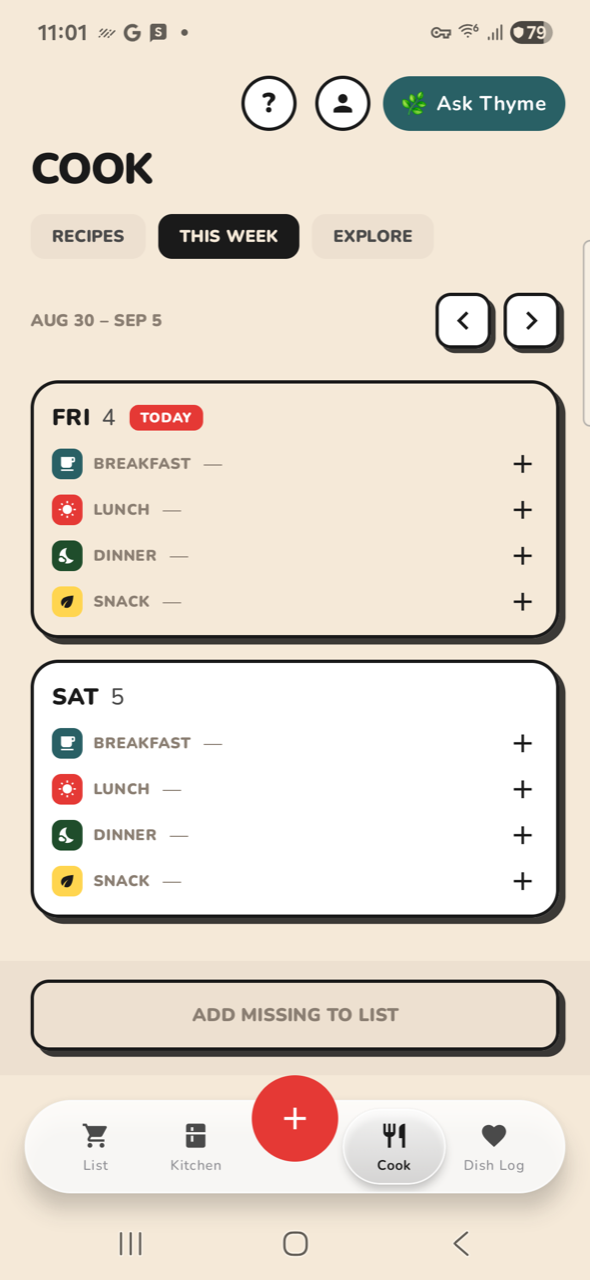
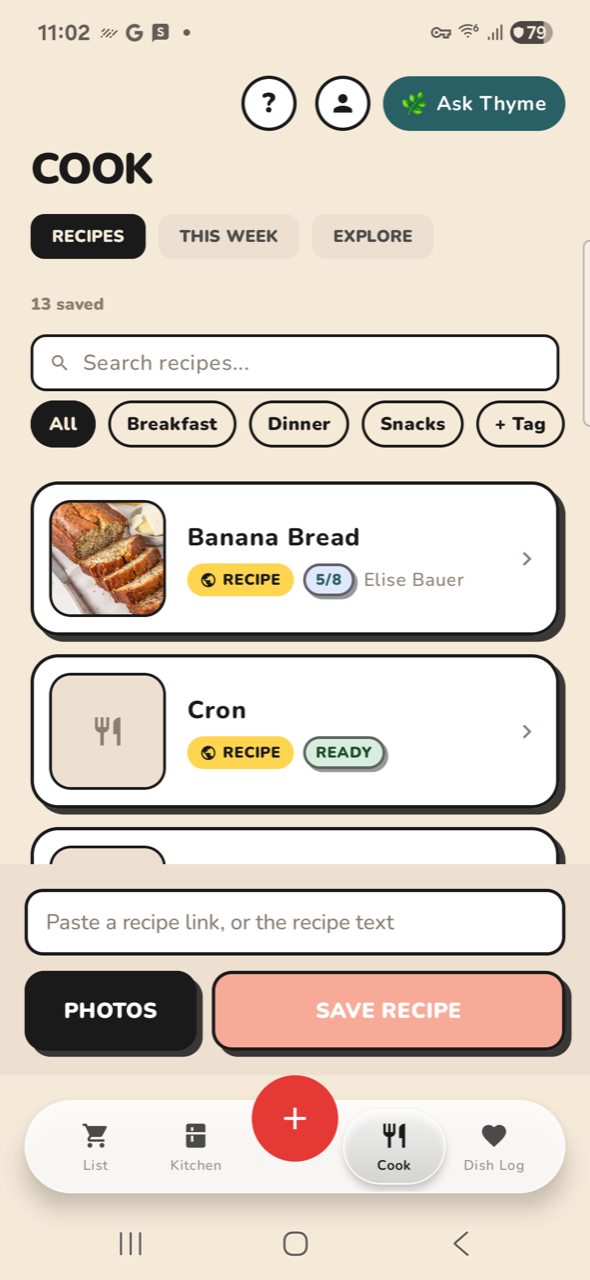
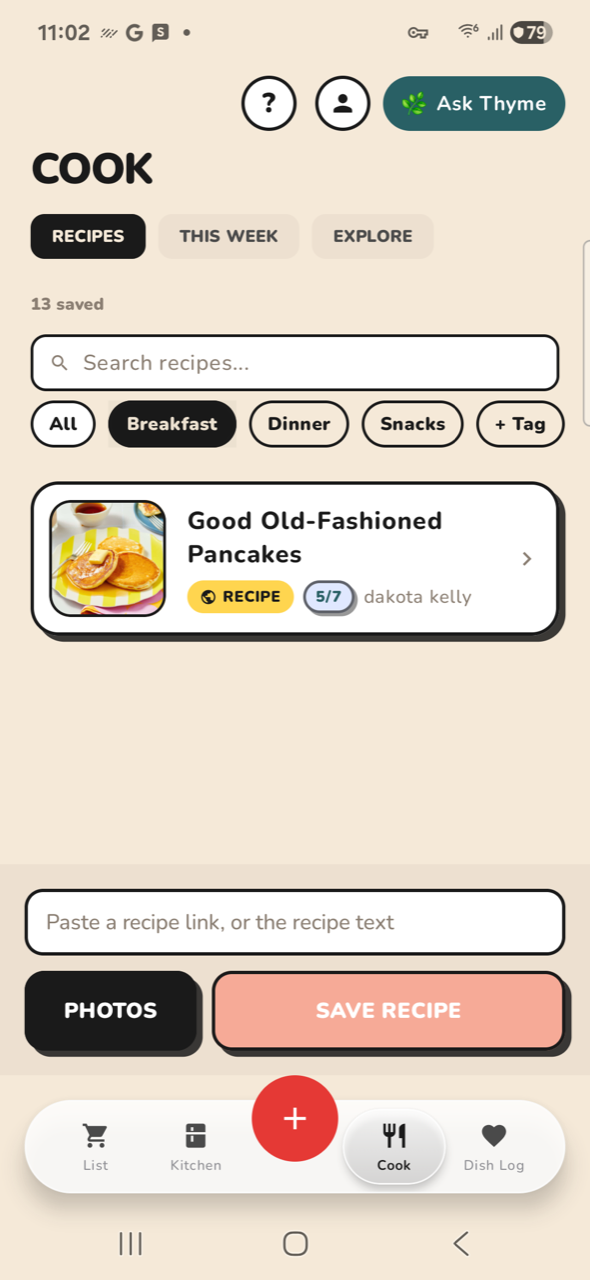
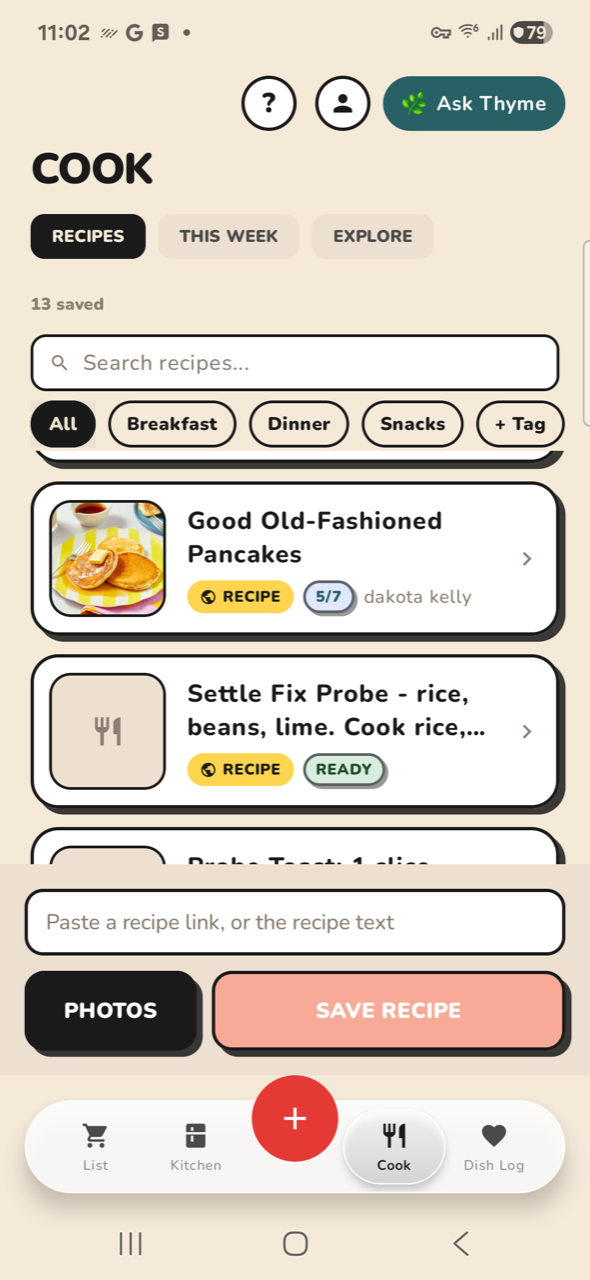
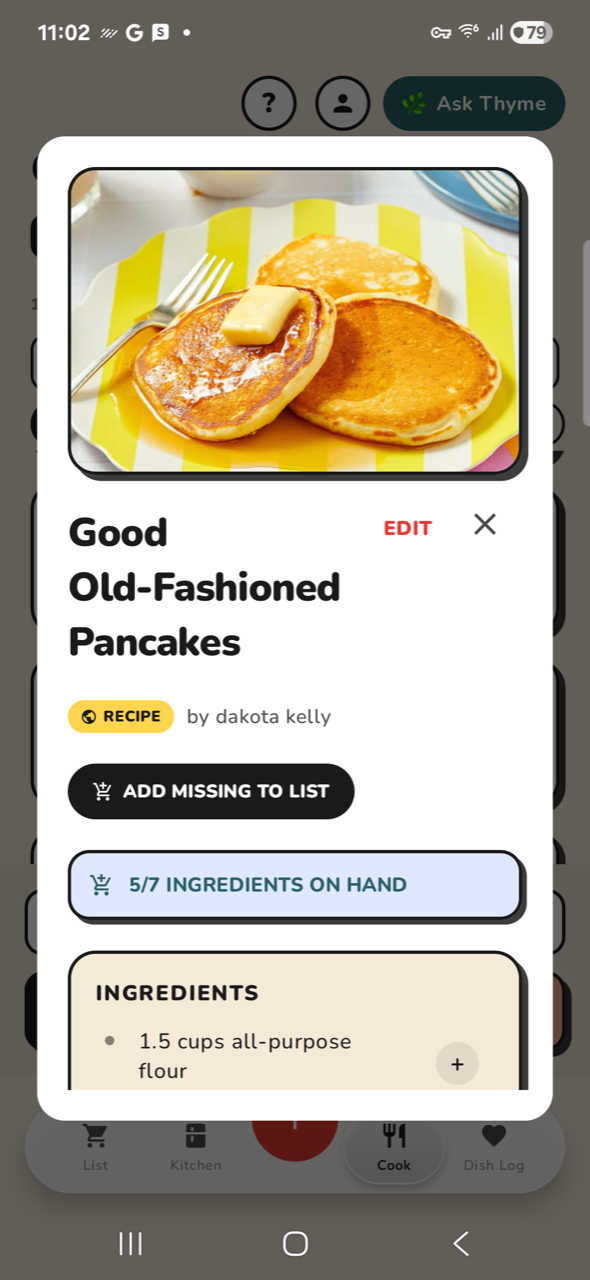
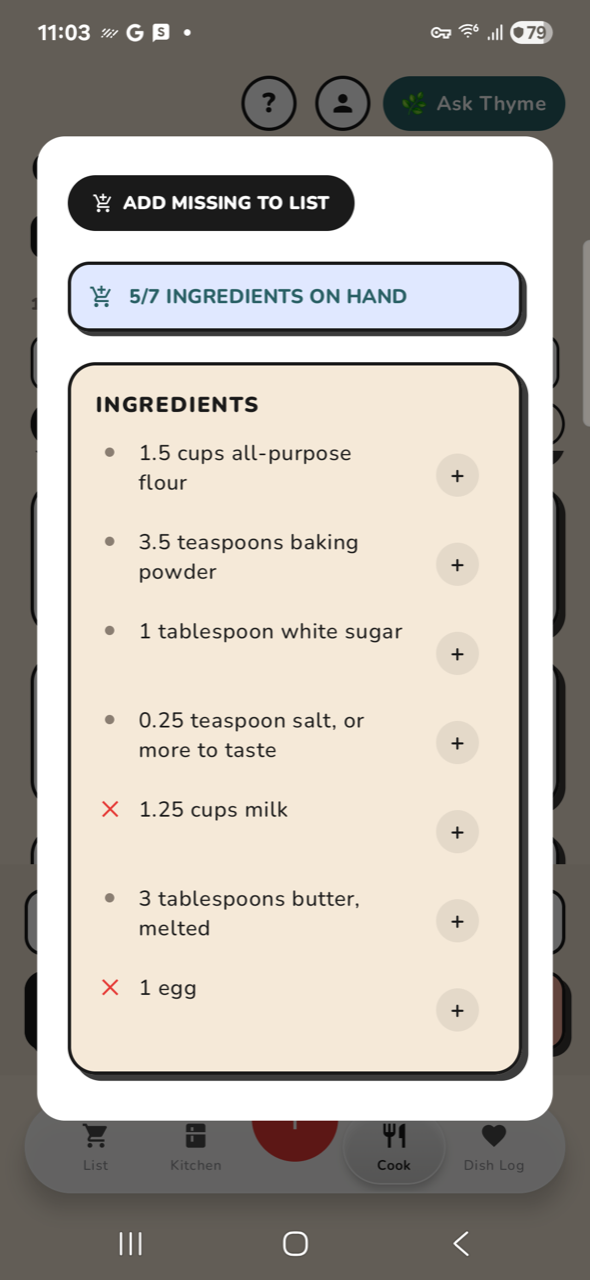
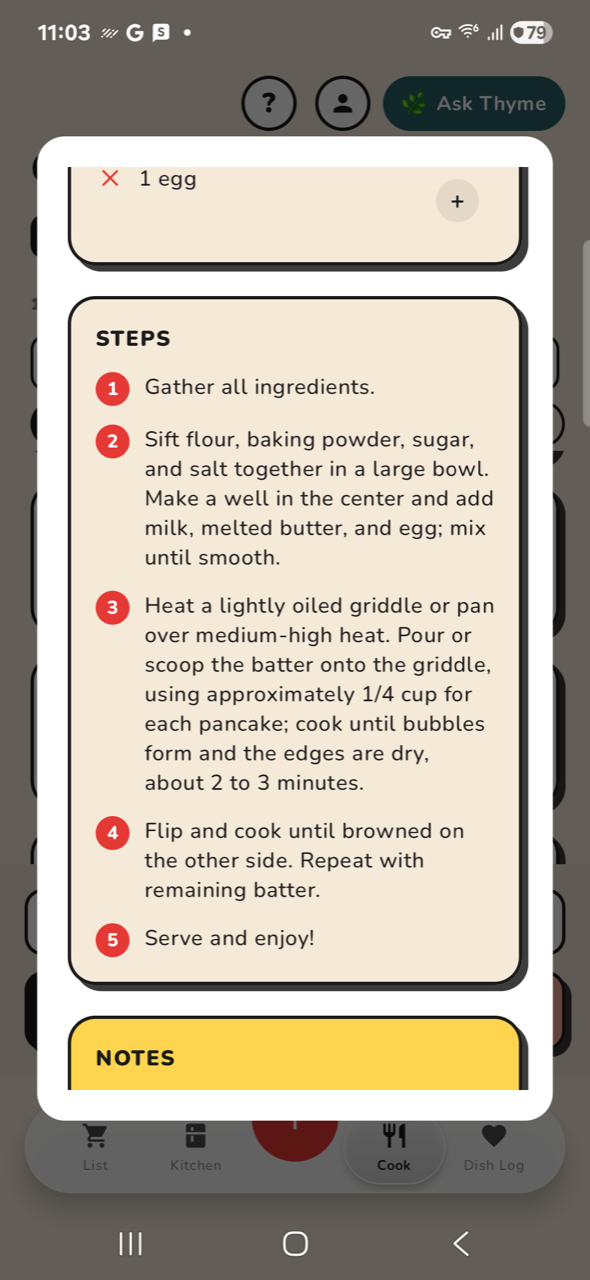
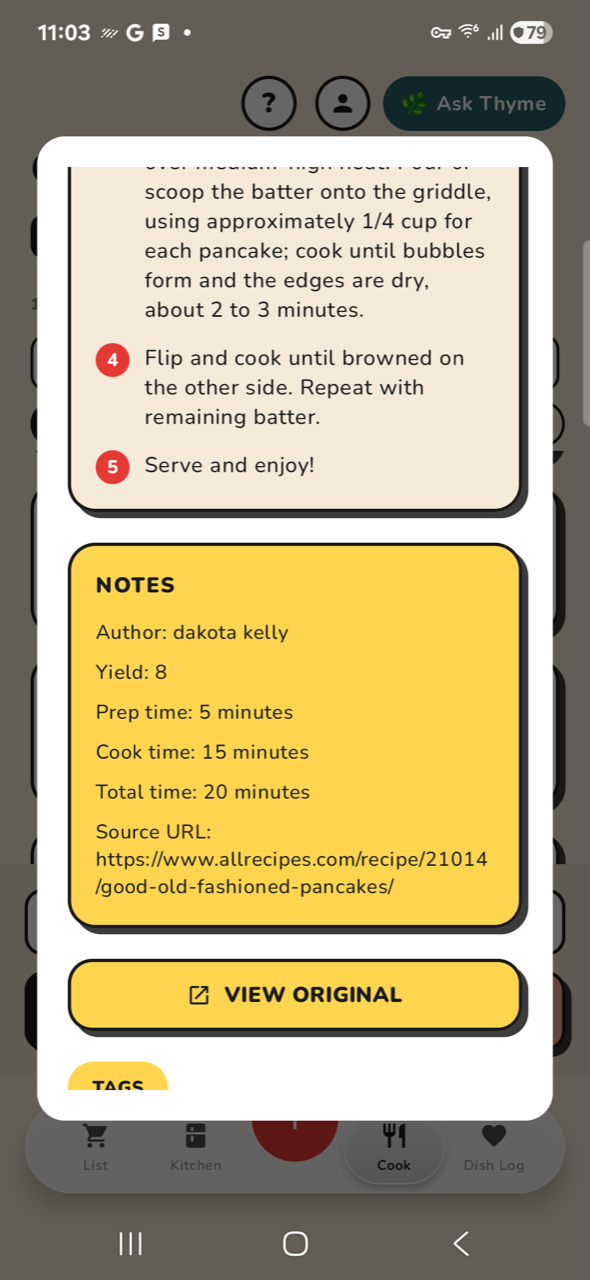
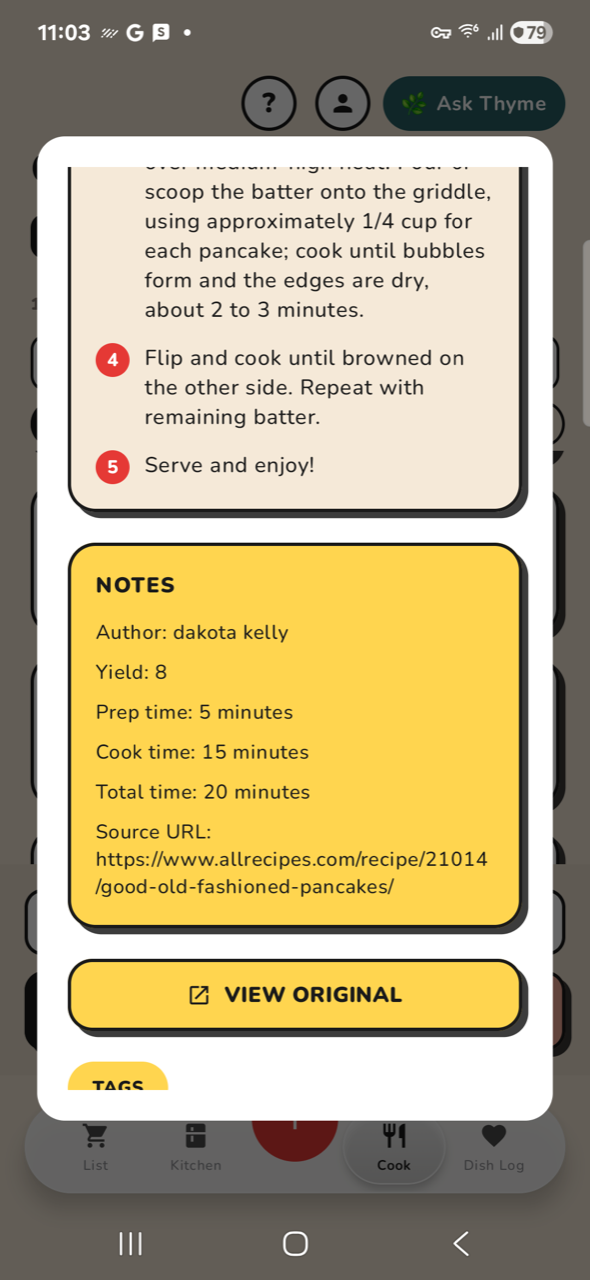
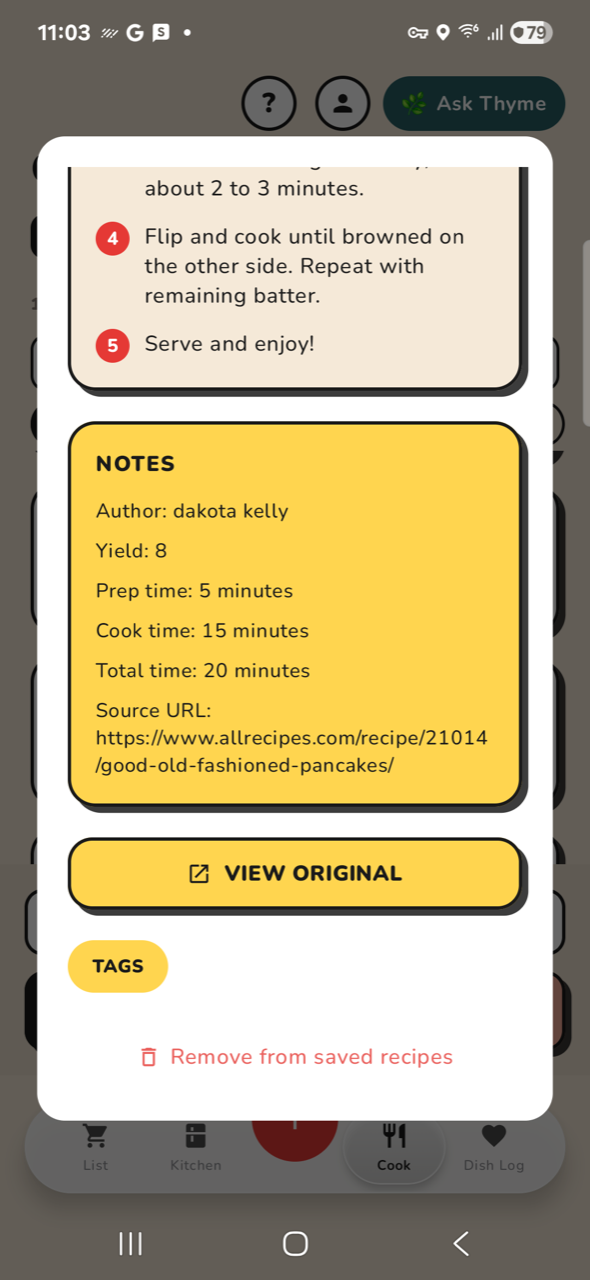
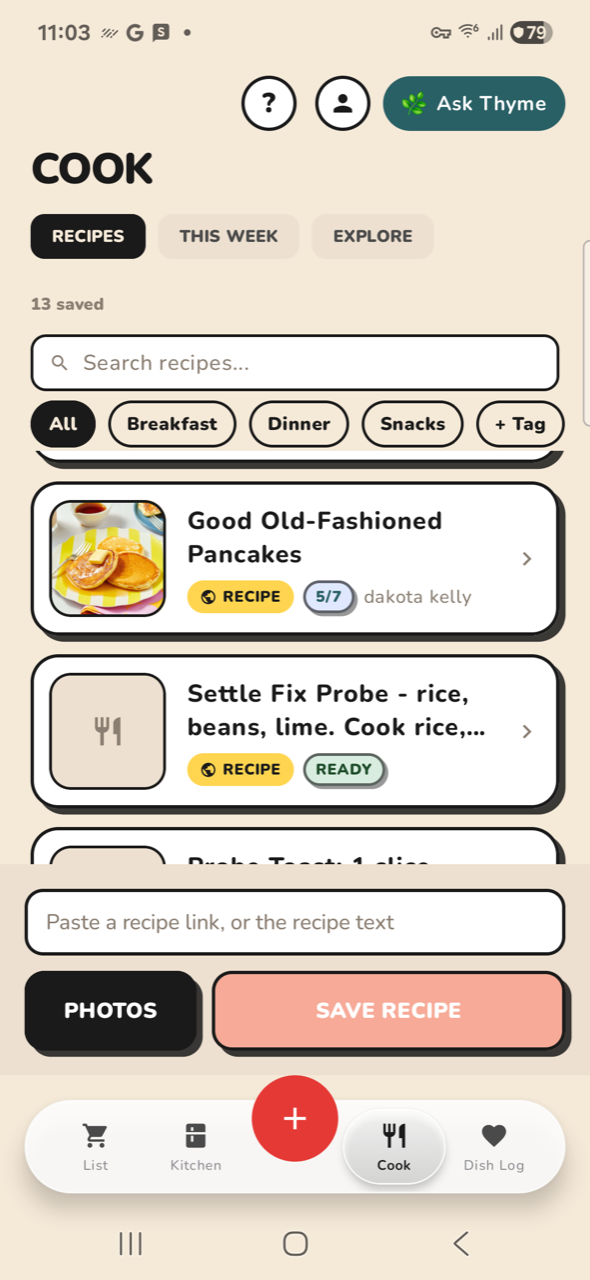
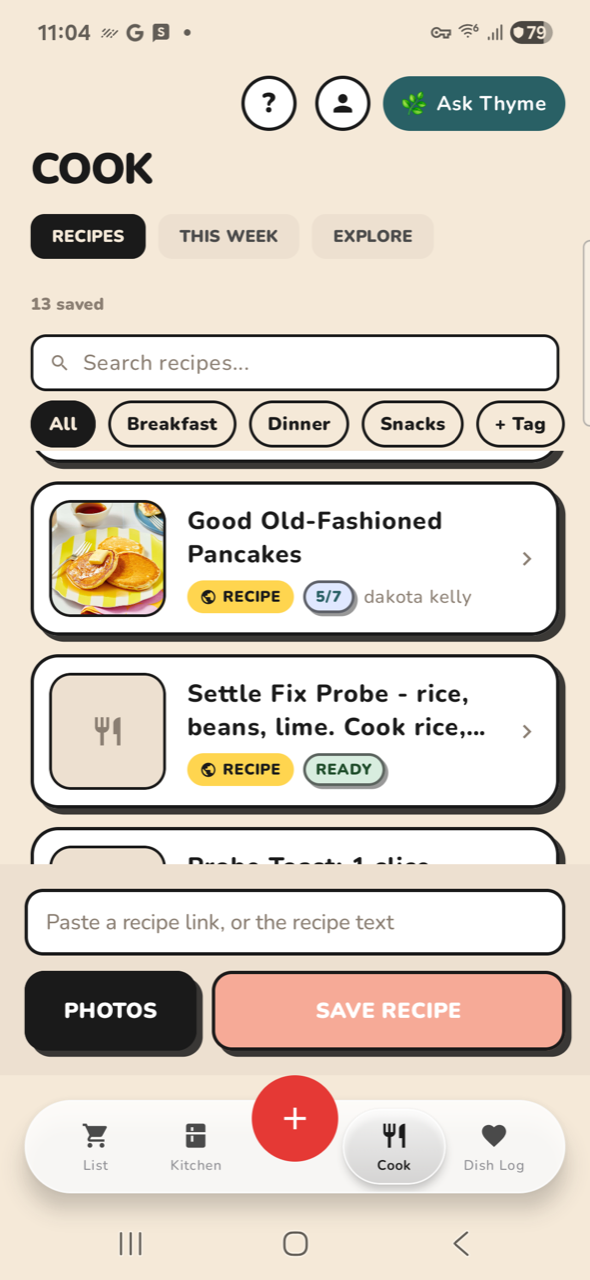
PASSC01-cook COOK: open tabPASSC02-week COOK: THIS WEEK sectionPASSC03-explore COOK: EXPLORE sectionPASSC04-recipes COOK: RECIPES sectionPASSC05-tag COOK: filter by 'Breakfast' tagPASSC06-untag COOK: back to AllPASSC07-open COOK: open a saved recipePASSC08-ingr RECIPE: ingredients visiblePASSC09-steps RECIPE: scroll to stepsNO-OPC10-close RECIPE: close sheet label 'Close' not on screen
Dish Log 6 steps
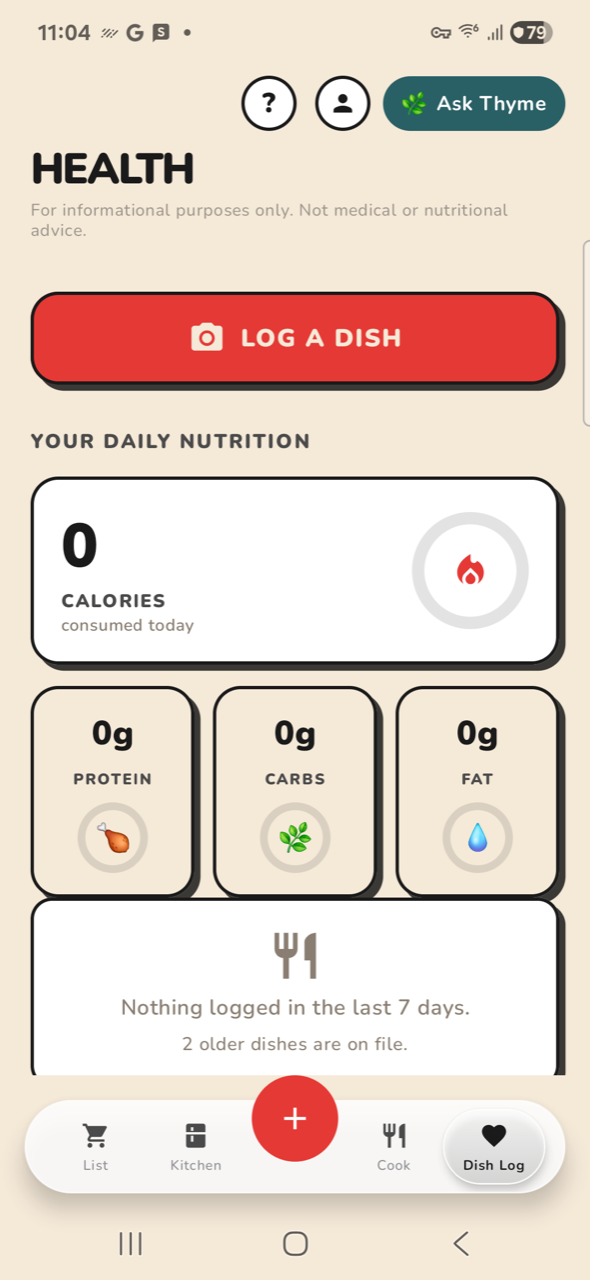
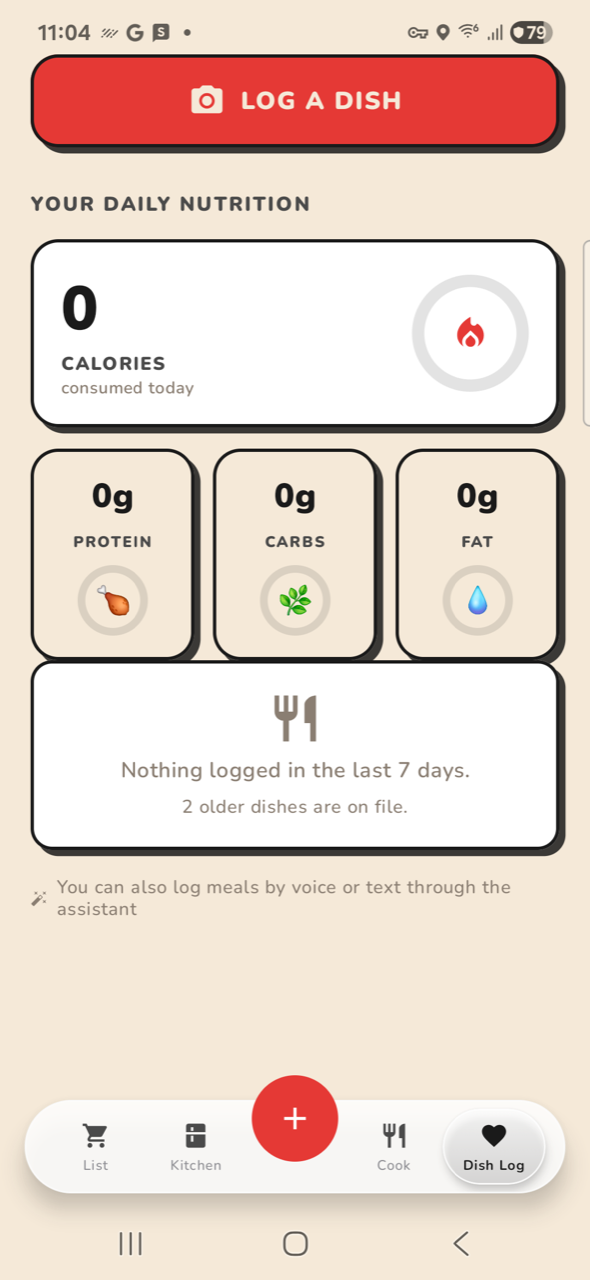
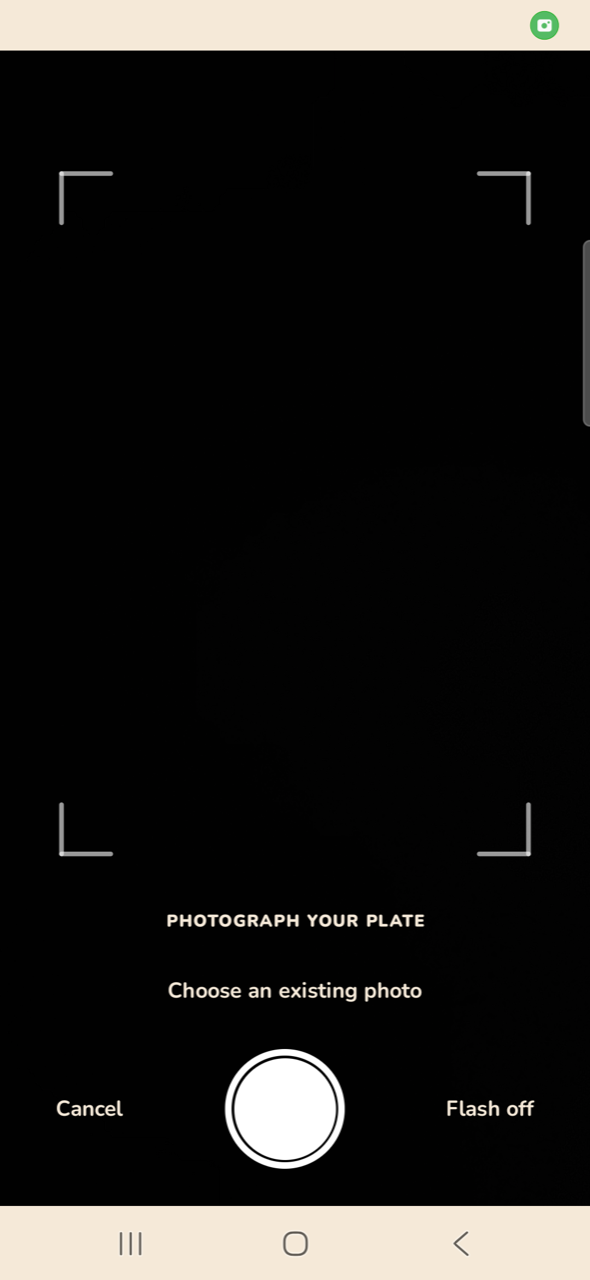
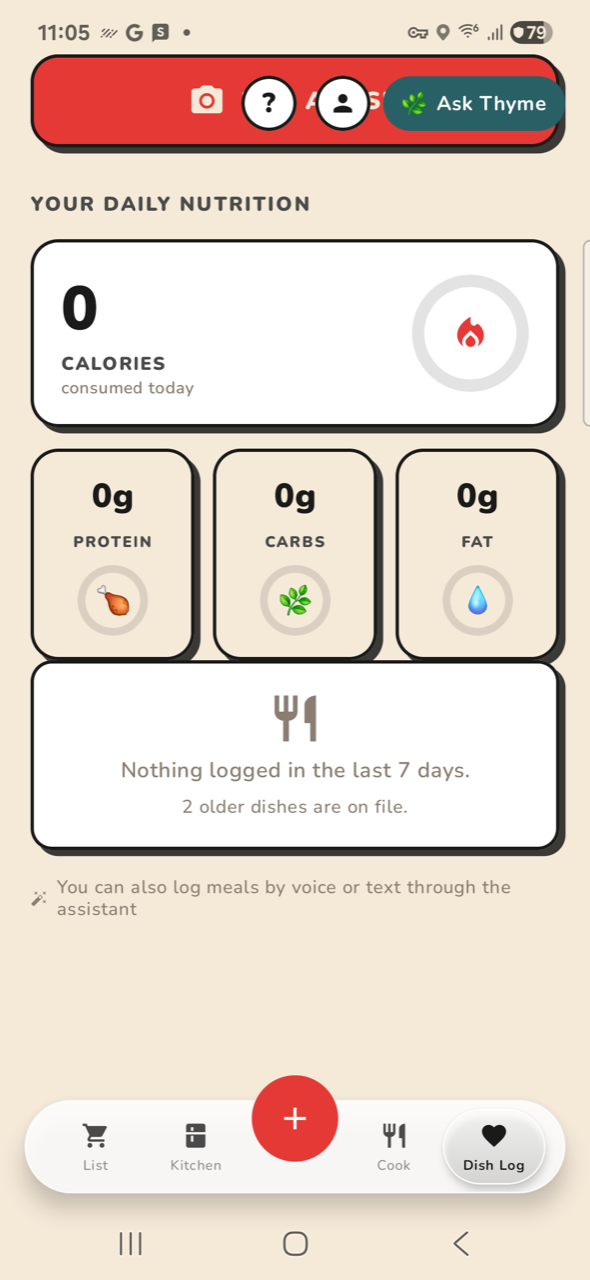
NO-OPD01-dish DISH LOG: open tab label 'Dish Log' not on screenPASSD02-scroll DISH LOG: scrollPASSD01b-dish DISH LOG: open tabPASSD02b-scroll DISH LOG: scroll the nutrition deckPASSD03-log DISH LOG: tap LOG A DISHPASSD04-back DISH LOG: back out of capture
Kitchen 17 steps
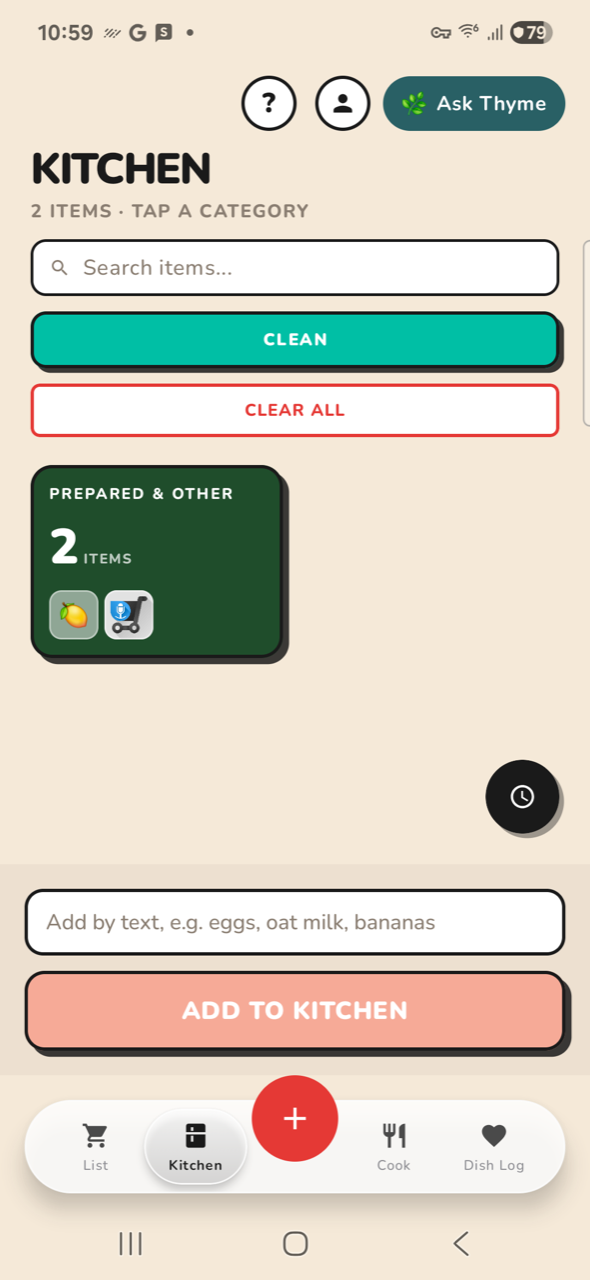
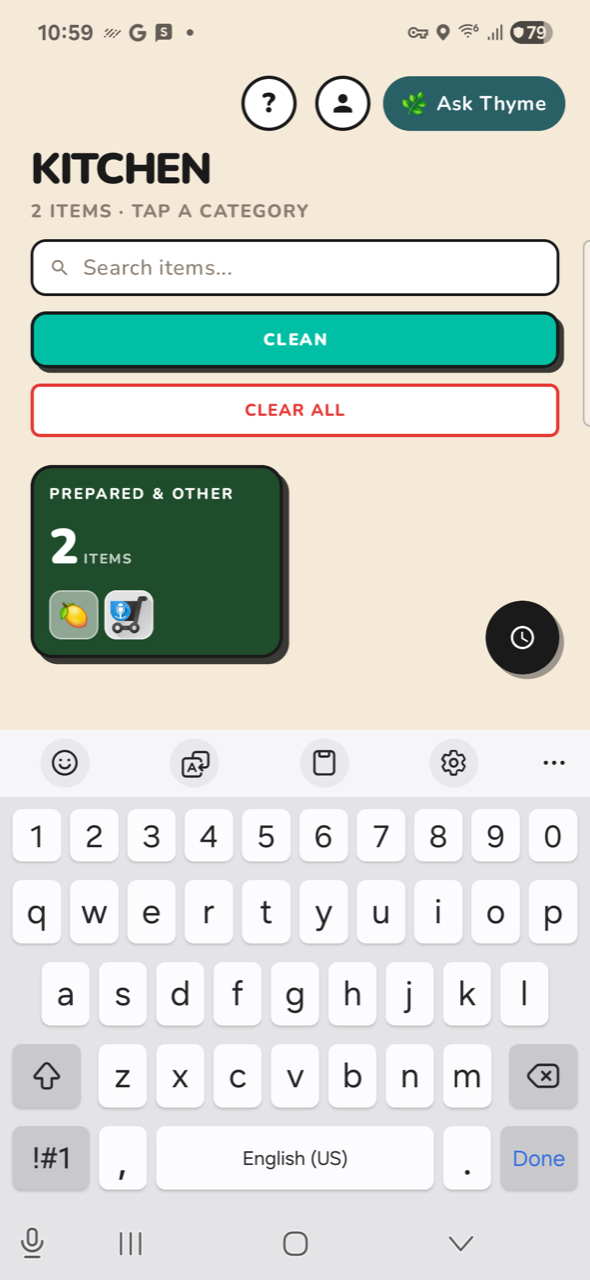
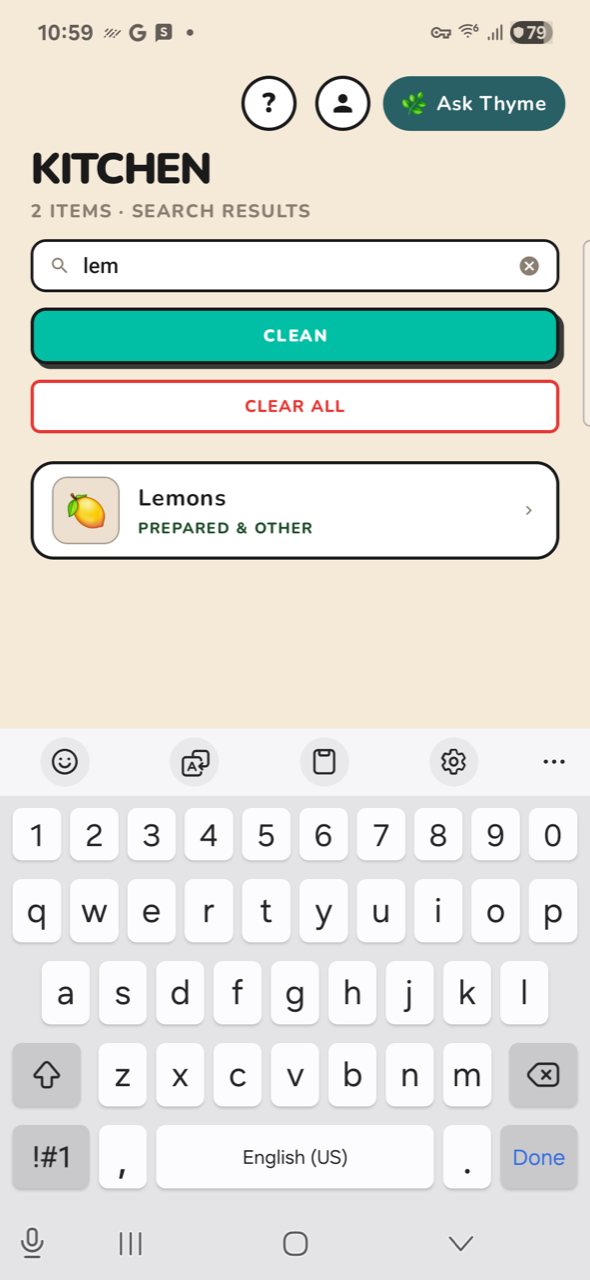
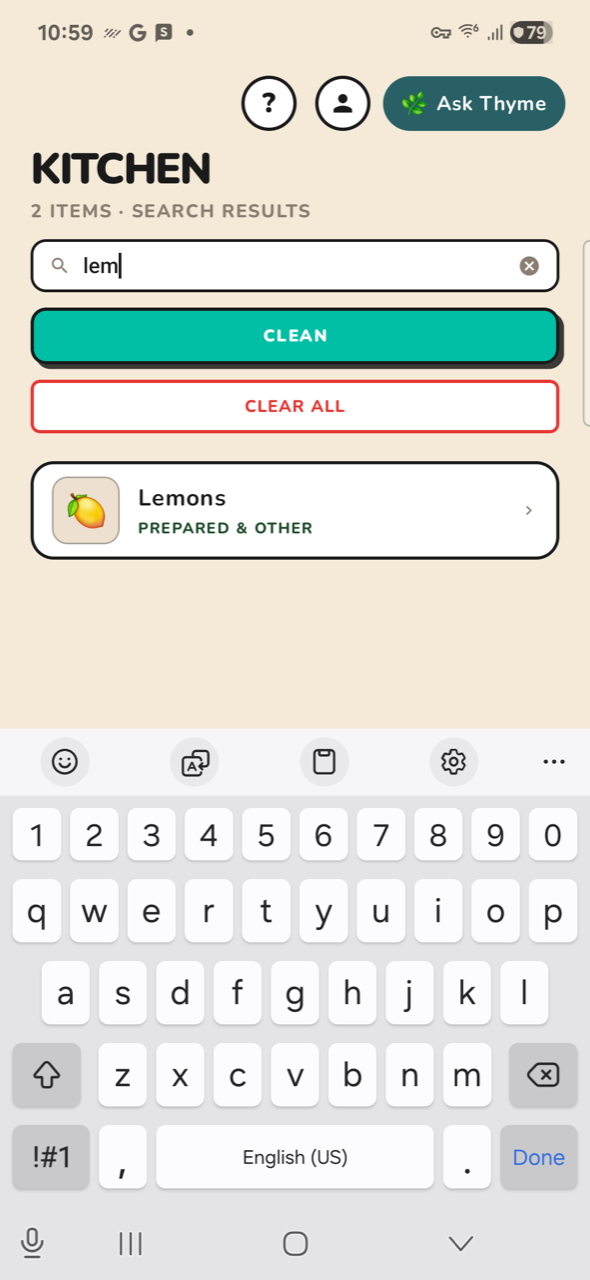
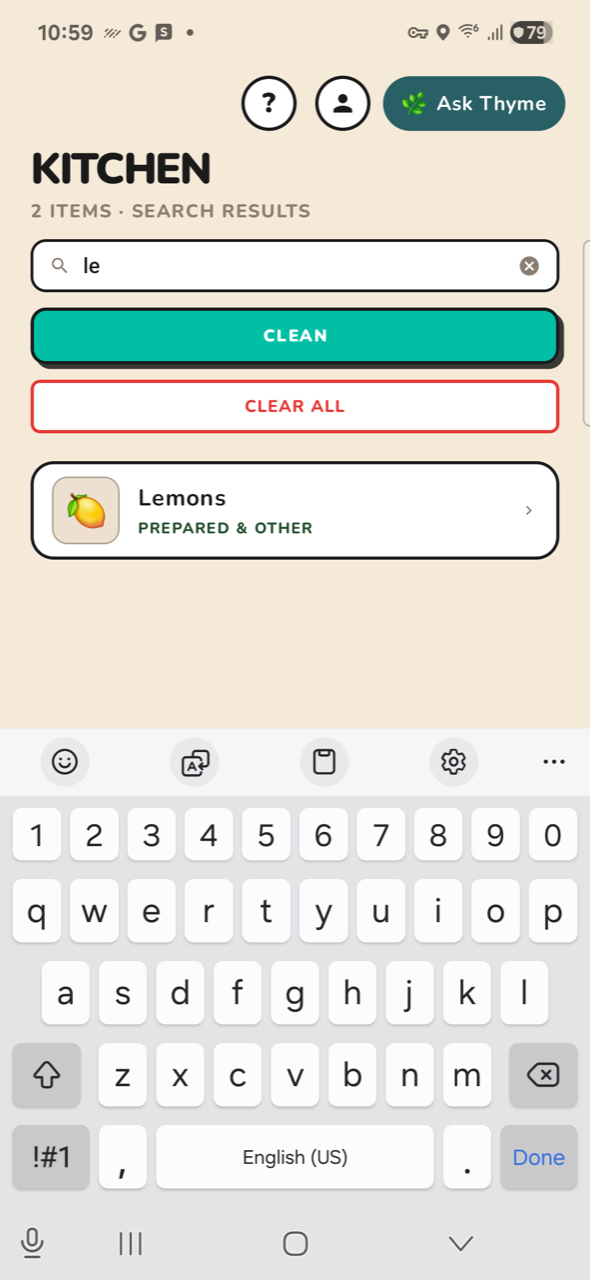
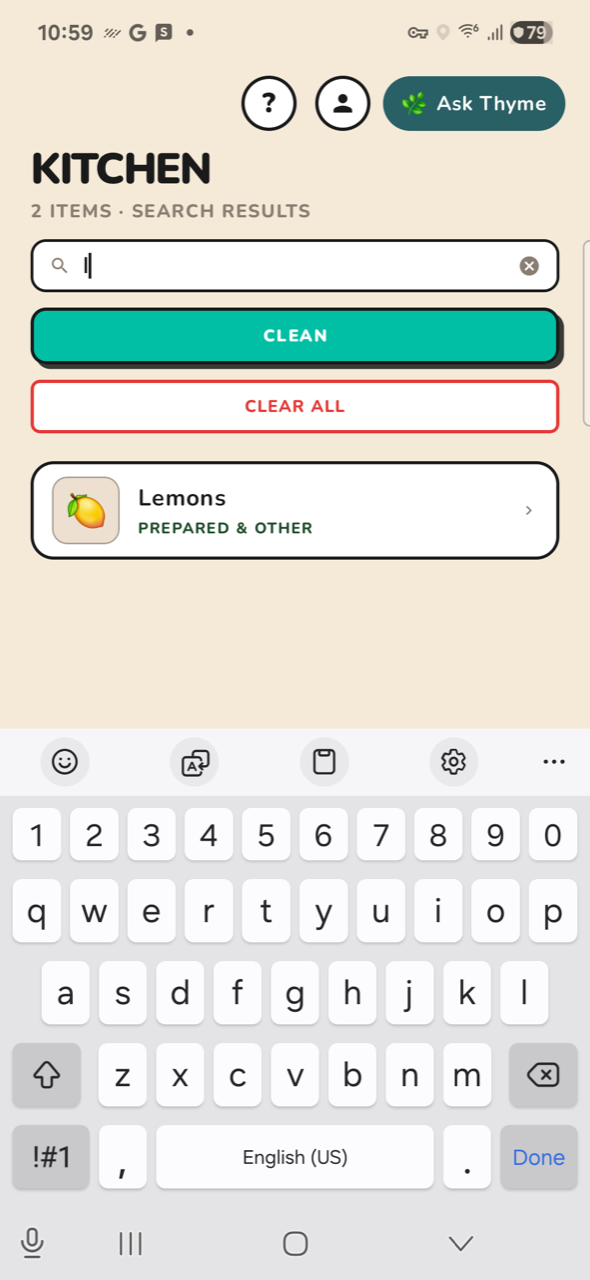
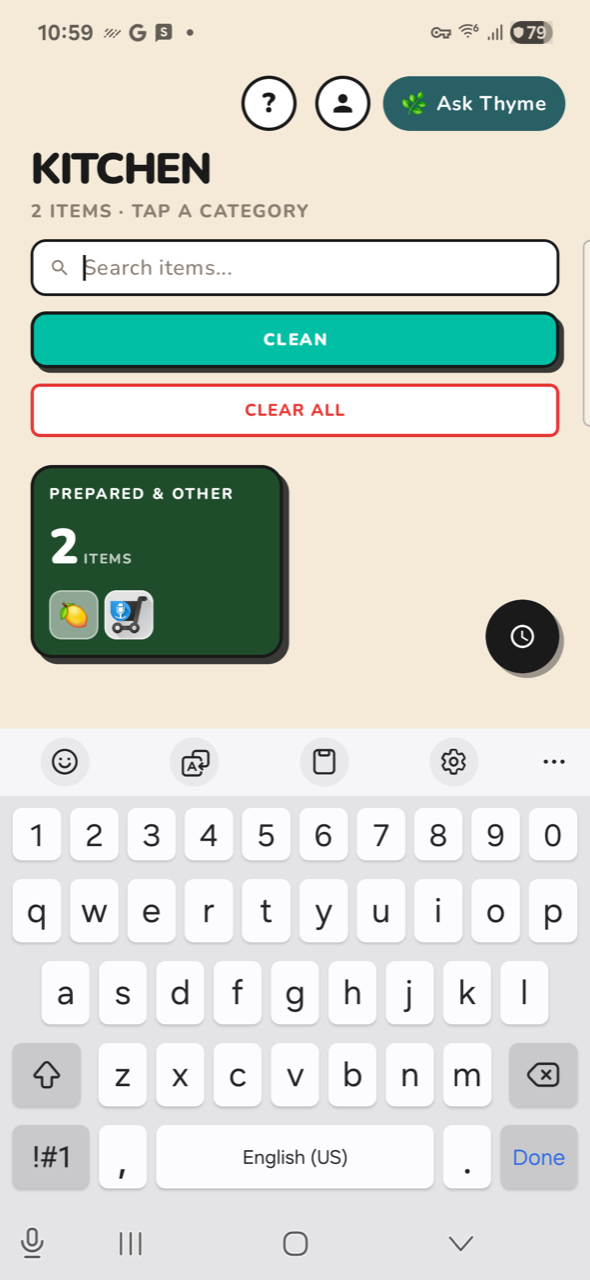
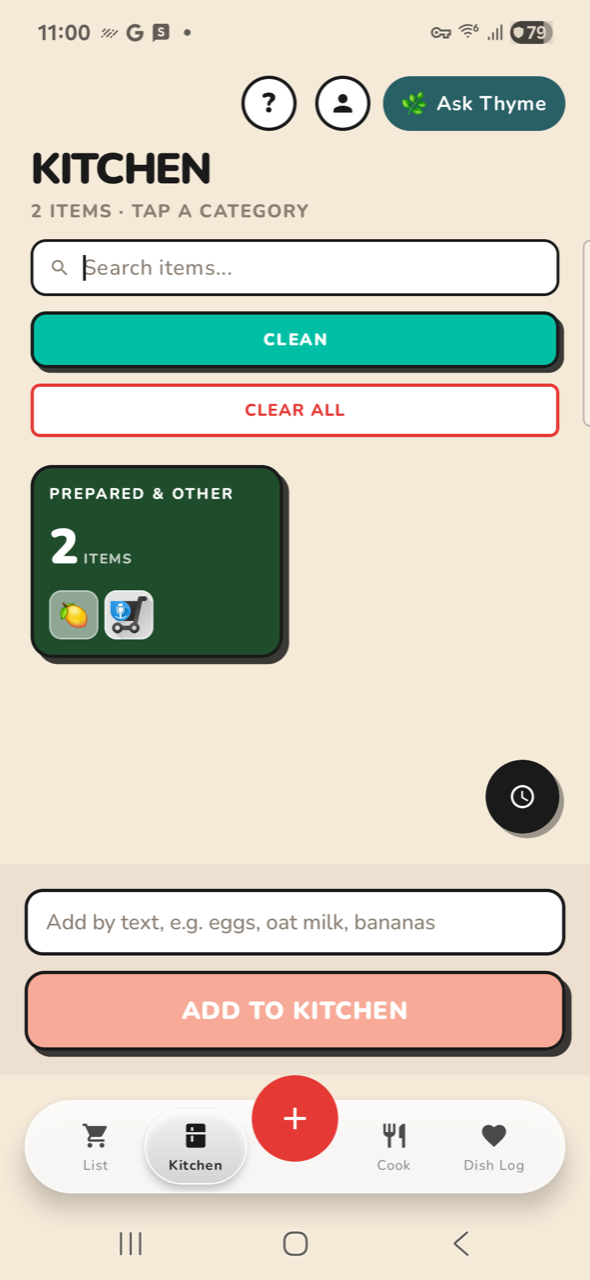
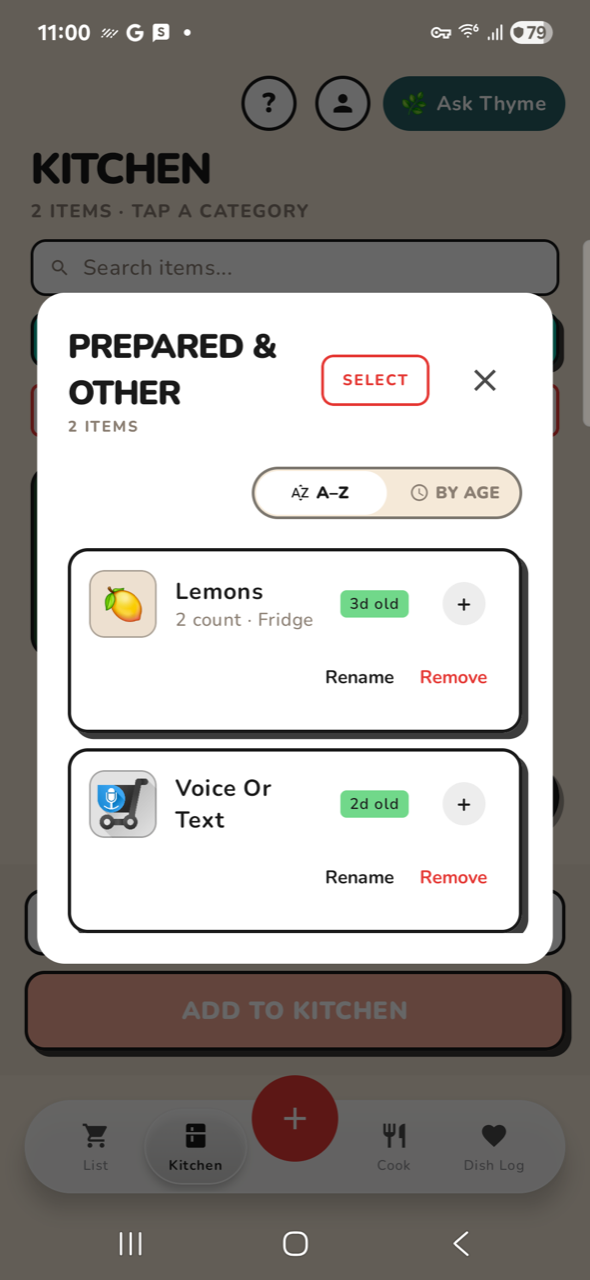
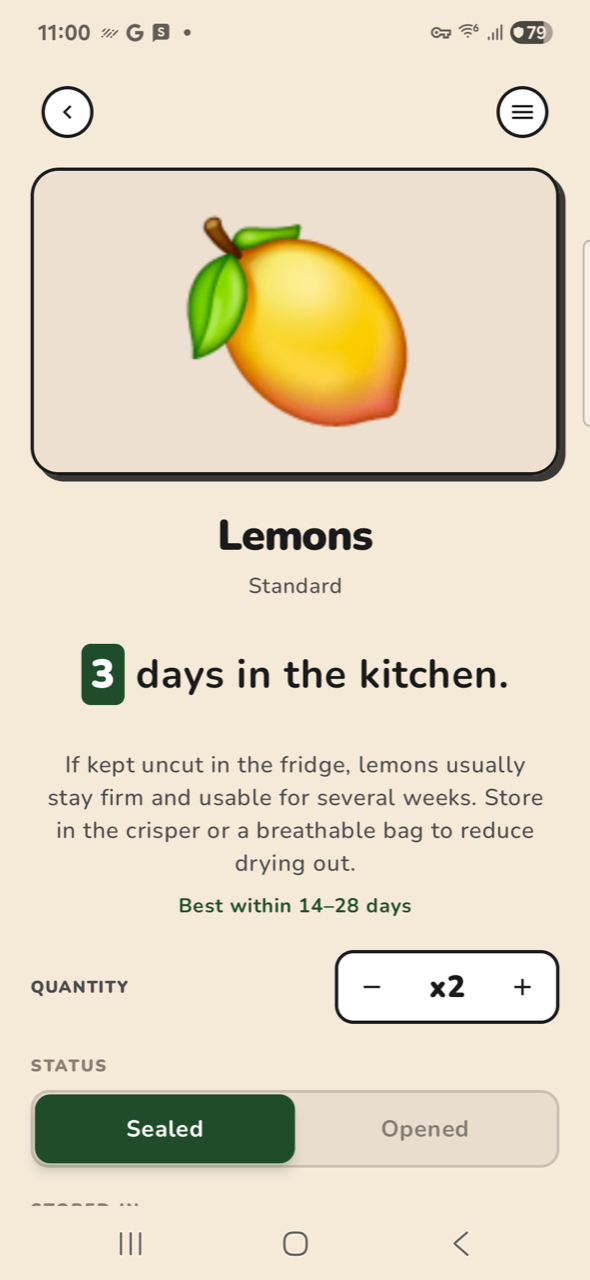
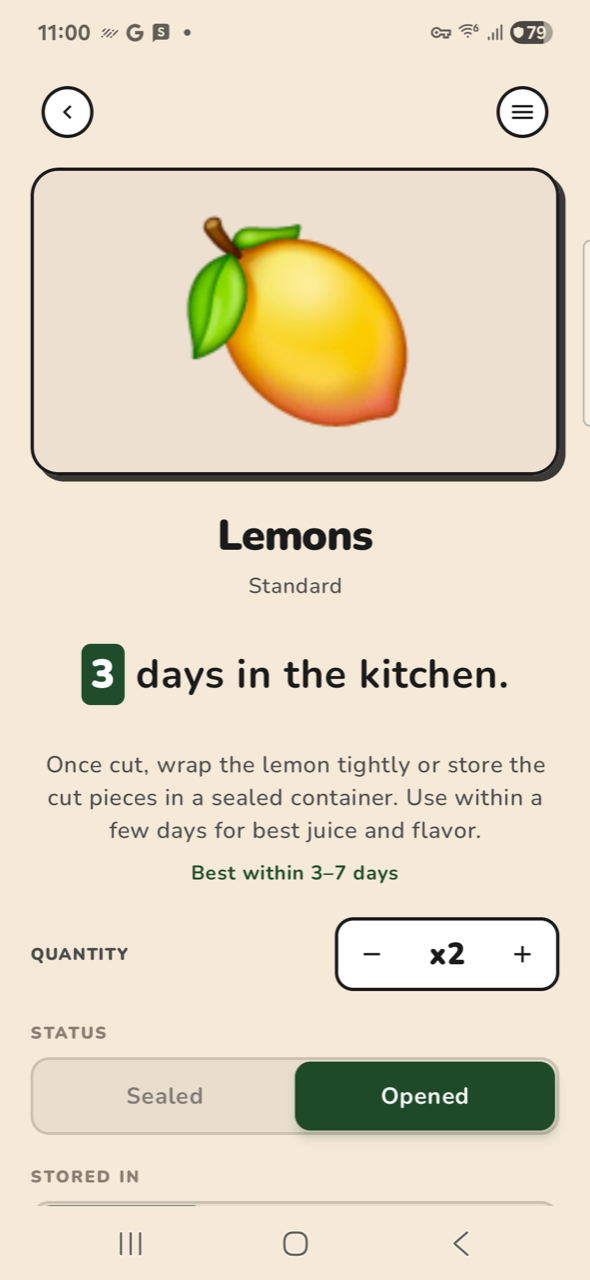
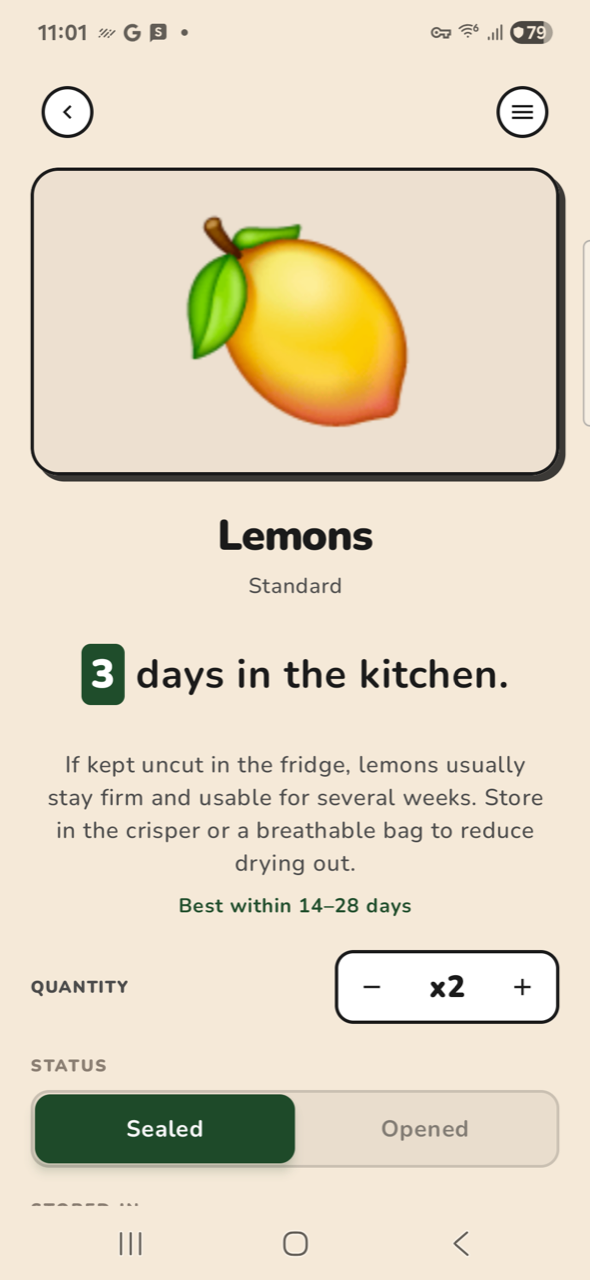
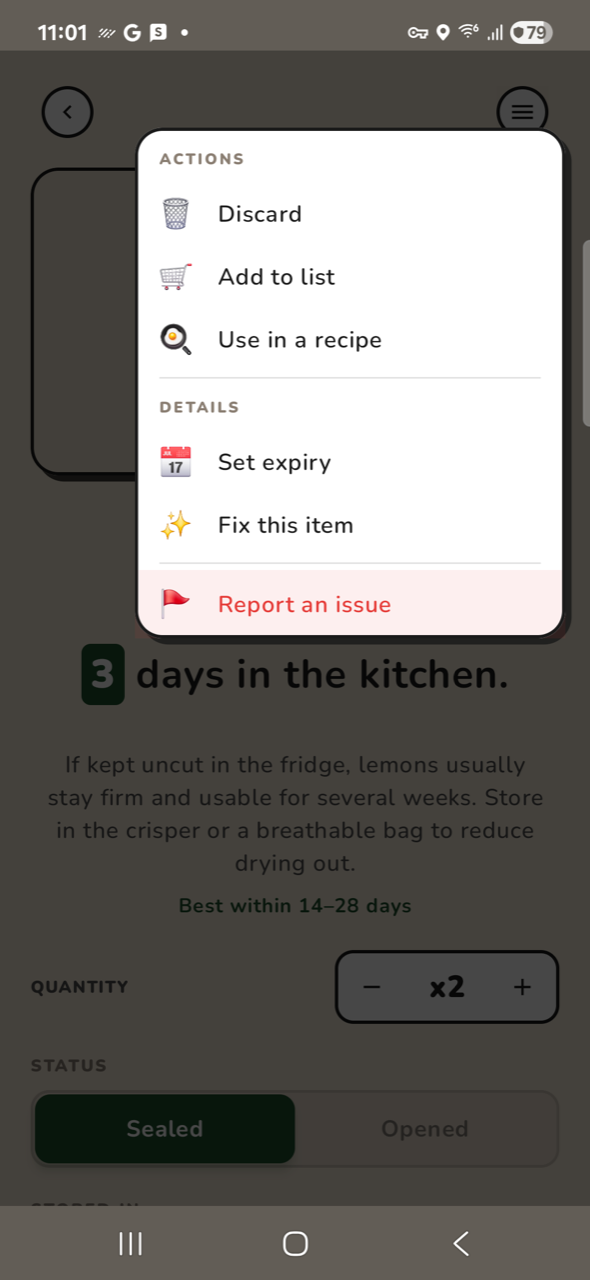
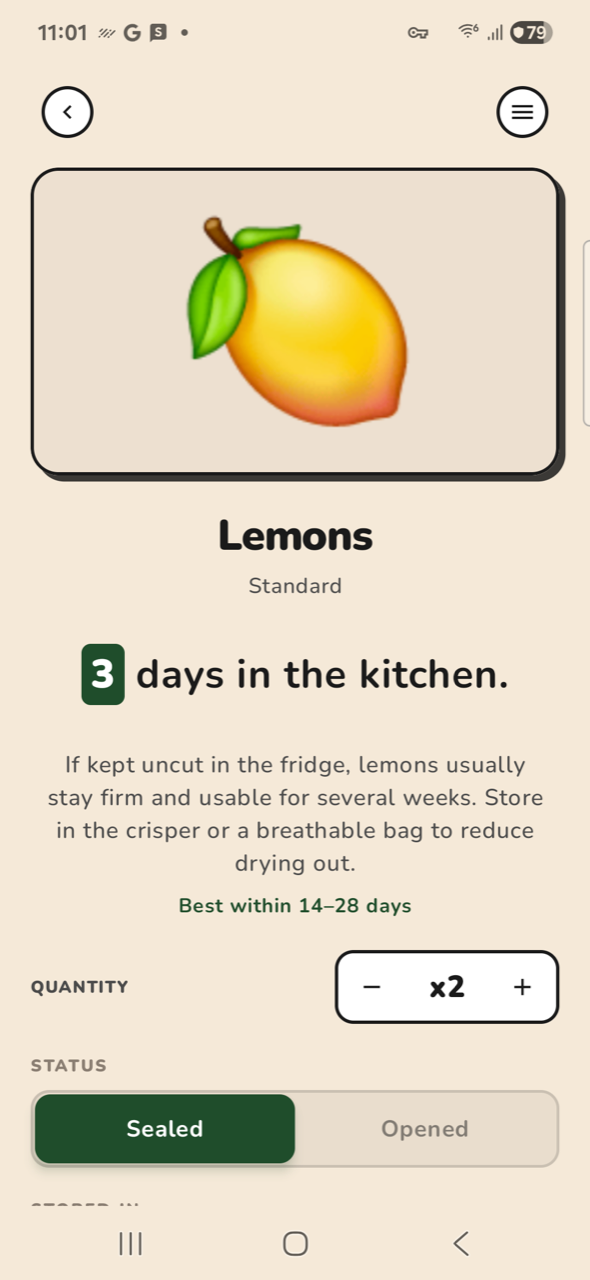
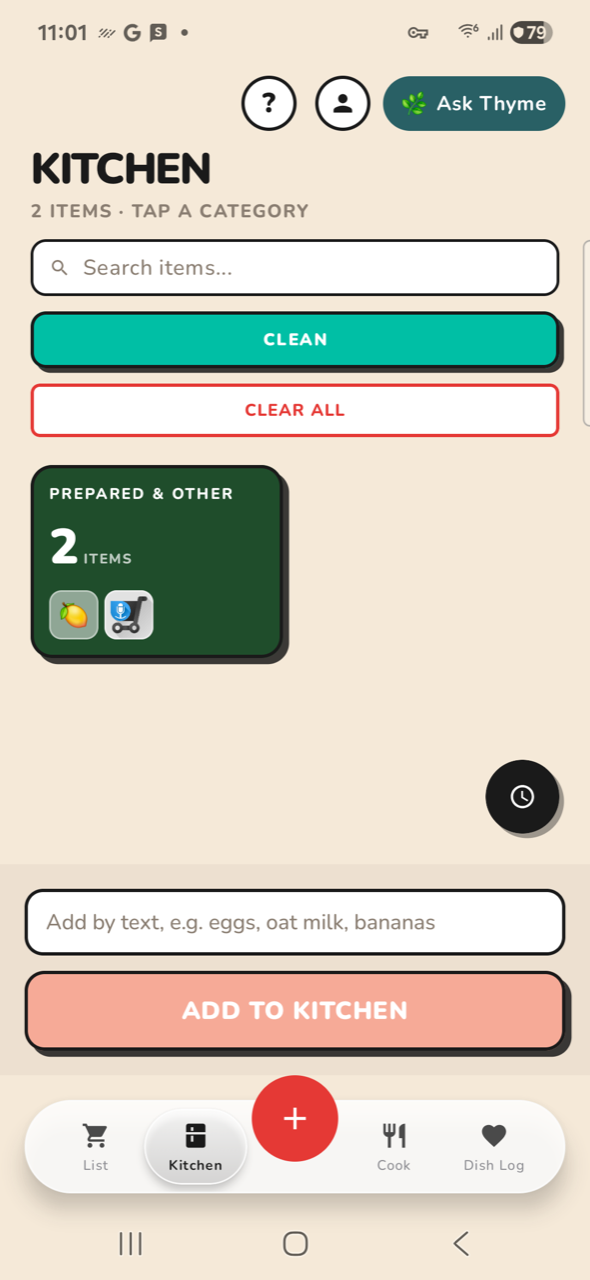
PASSK01-kitchen KITCHEN: open tabPASSK02-search KITCHEN: focus search fieldPASSK03-query KITCHEN: type 'lem'PASSK04-results KITCHEN: search resultsPASSK05-clear KITCHEN: clear the queryPASSK05b KITCHEN: clear restPASSK05c KITCHEN: clearedPASSK06-dismiss KITCHEN: dismiss keyboardPASSK07-cat KITCHEN: open a category cardPASSK08-item KITCHEN: open item detailNO-OPK09-qtyup ITEM: quantity + label '+' not on screenNO-OPK10-qtydown ITEM: quantity − label '−' not on screenPASSK11-opened ITEM: set status OpenedPASSK12-sealed ITEM: set status back to SealedPASSK13-menu ITEM: open actions menuPASSK14-back ITEM: dismiss menuPASSK15-back2 ITEM: back to kitchen
Profile 3 steps
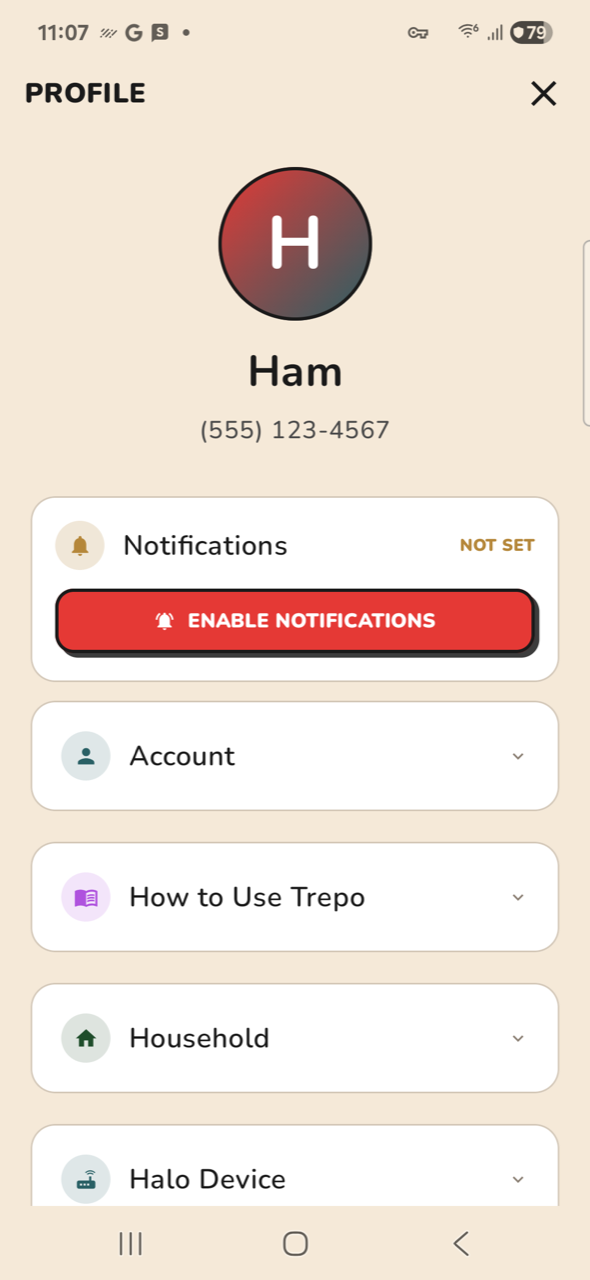
NO-OPP01-profile CHROME: open Profile label 'Profile' not on screenPASSP02-scroll CHROME: scroll ProfilePASSP03-close CHROME: close Profile
Thyme 2 steps
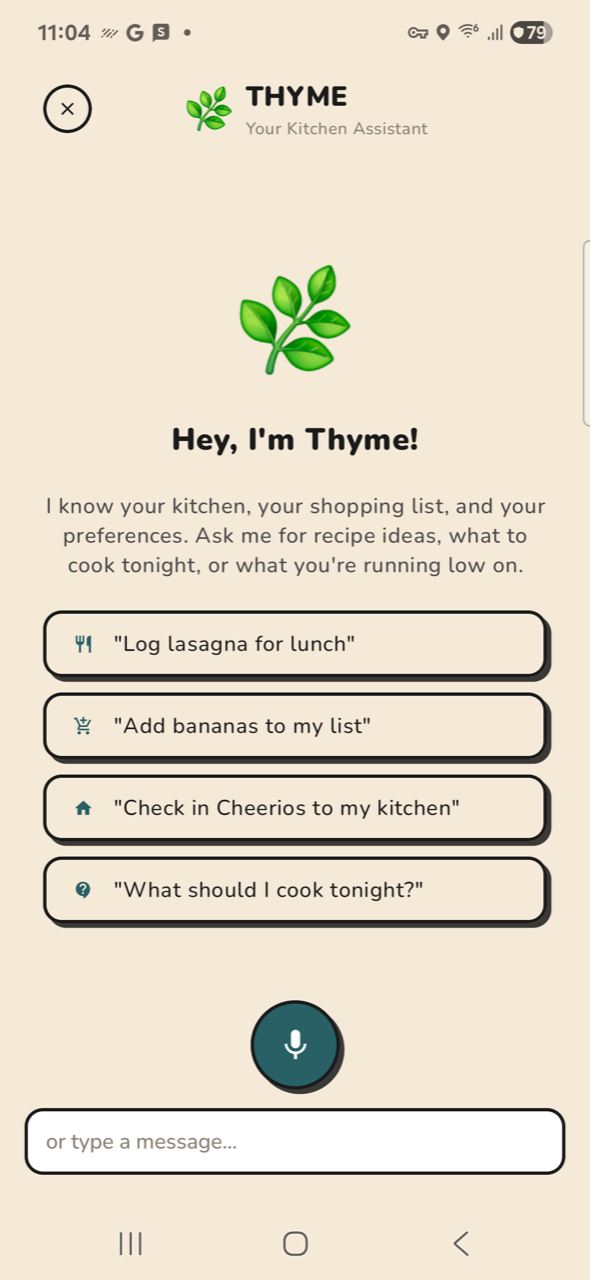
PASST01-thyme CHROME: open Ask ThymePASST02-close CHROME: close Thyme